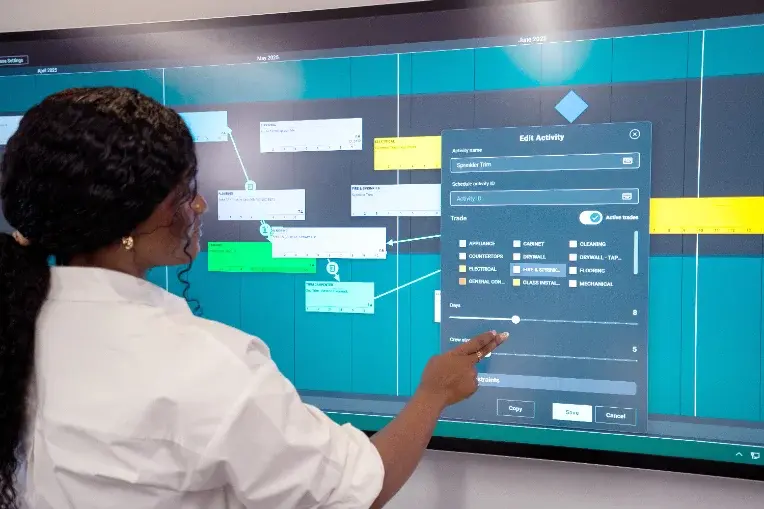
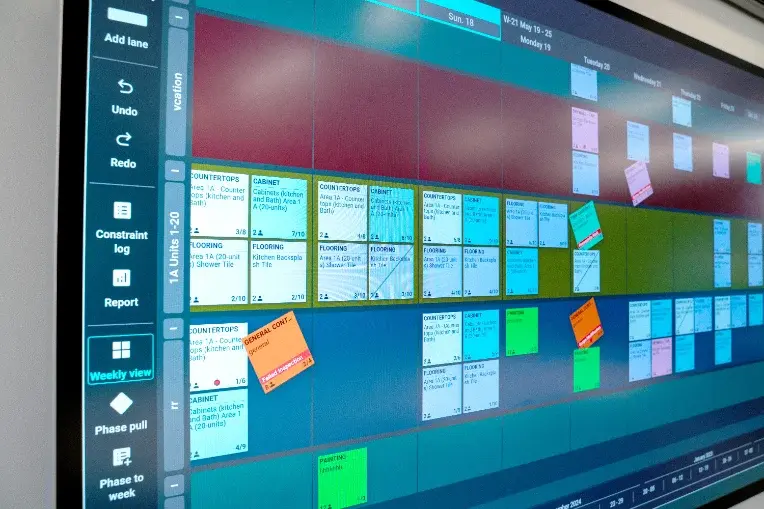
Make project planning easy
-
Simple to master in minutes
-
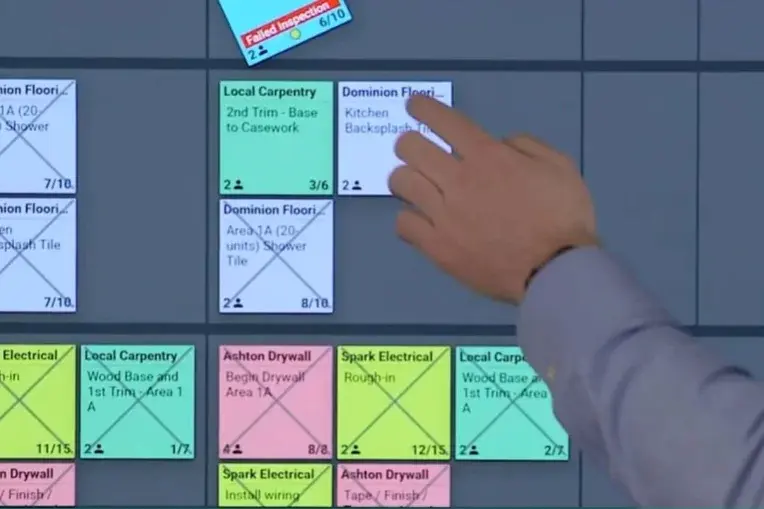
Feels like using sticky notes
-
Results in better conversations
Improve handoffs between teams
-
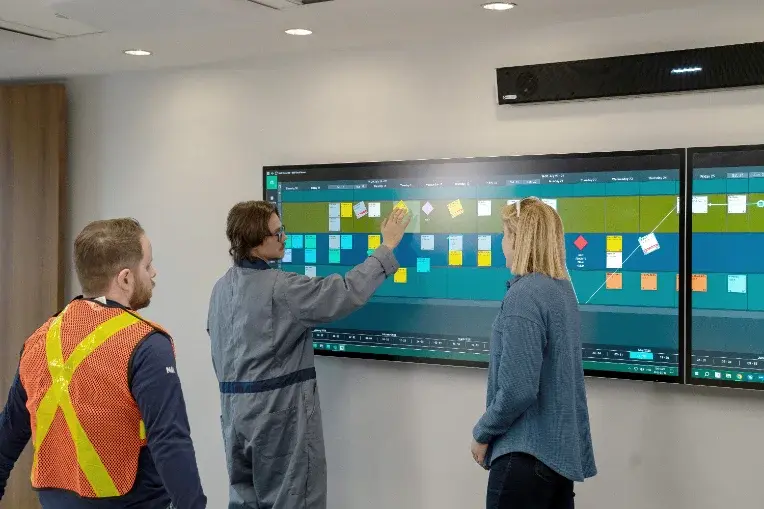
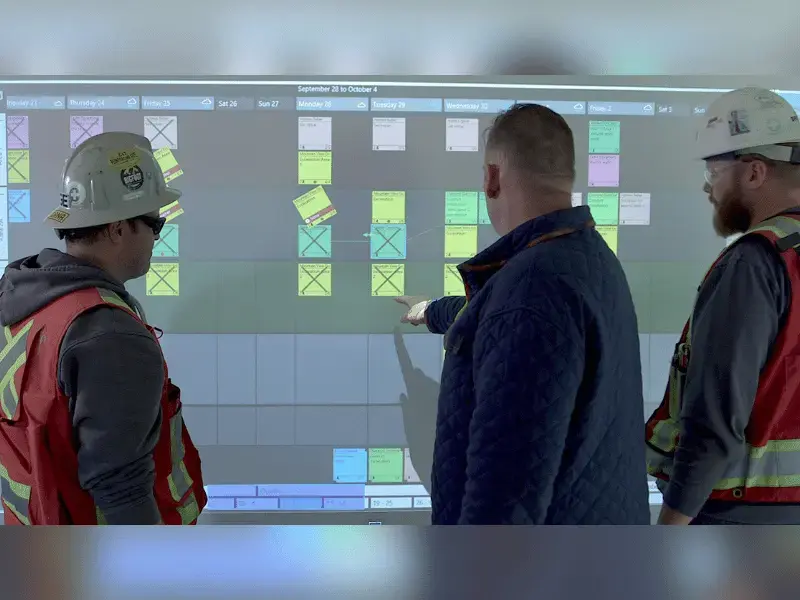
Built for Big Room planning sessions
-
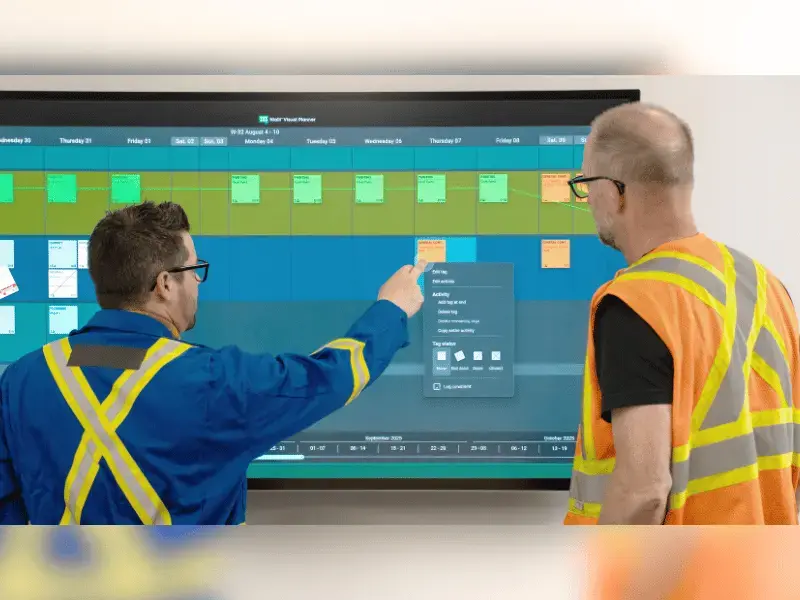
Designed for multiple collaborators
-
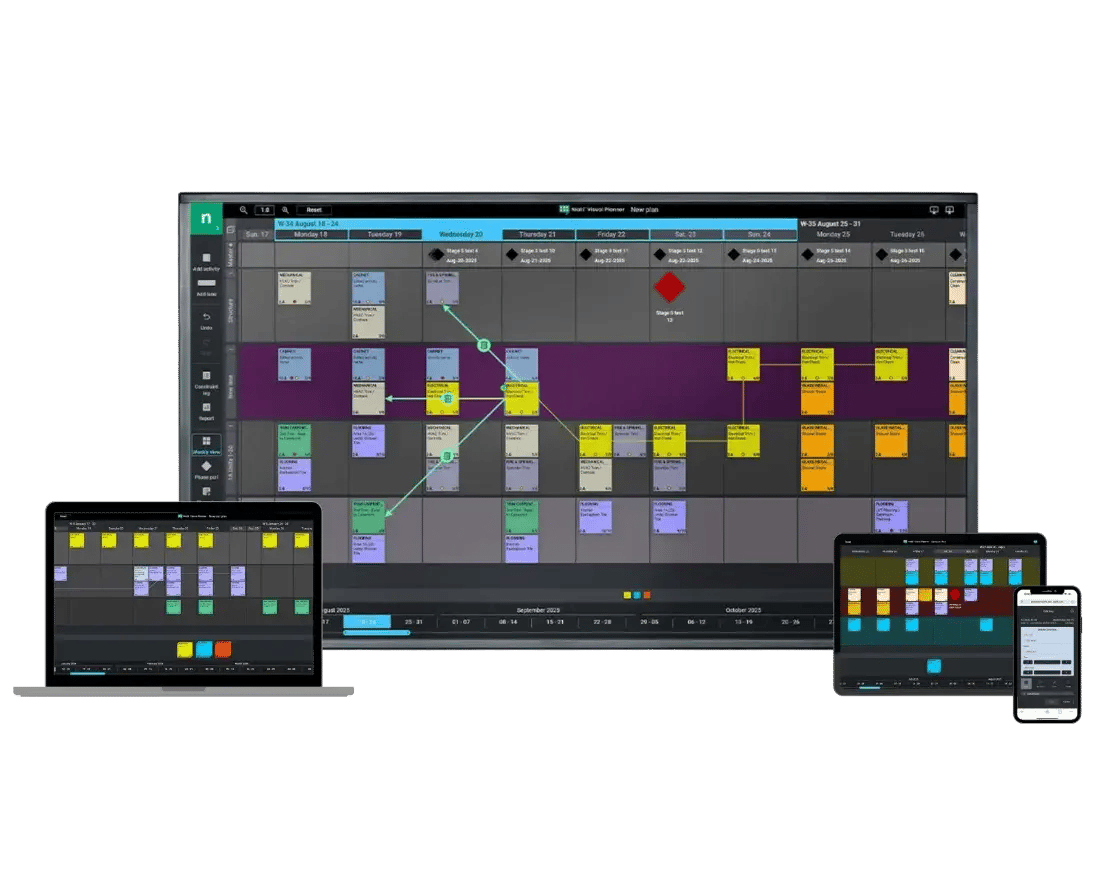
Easy to join from anywhere, any device
Reduce repetition and admin
-
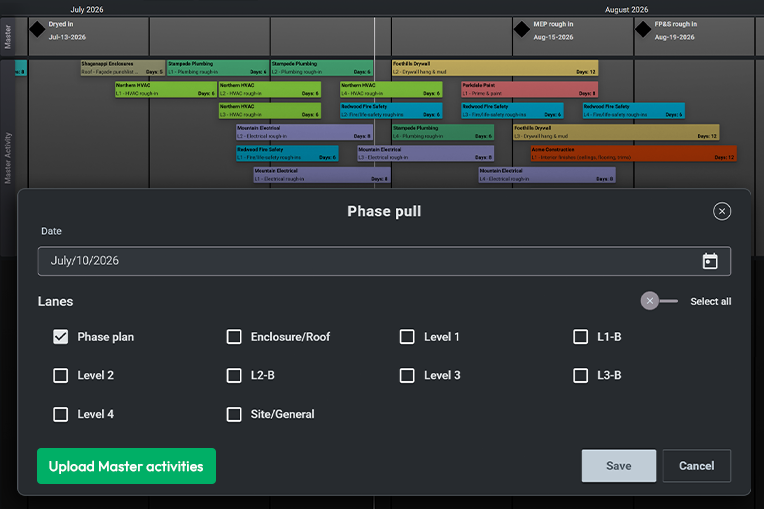
Imports data from your master schedule
-
Includes analytics on work progression
-
Highlight constraints with visual cues
See Visual Planner in action
Watch how PCL Construction uses digital pull planning to stay on schedule.
What are customers saying?
Hear from contractors using Nialli Visual Planner
“I met with the developers of Nialli, and it was like they’d read my mind. How did they know I needed this?”
Steve Hawthorne
Director of Operations, Mace
"Nialli has been a transformative software addition for our teams to really dive deeper into Lean and the Last Planner System® on our projects"
Dylan Almeida
Superintendent, PC Construction
"People get out of their chairs. They gather around the board. It encourages conversations rather than hiding behind laptops"
Sean Sachtleben
Lean Practice Leader, Austin
Frequently asked questions
-
What is visual planning in construction?
Visual planning is a collaborative approach to construction planning and scheduling. It captures live input from teams in the field, enabling projects to continuously adapt to changing circumstances and new information.
-
Why should I visually plan my next construction project?
If you're struggling with timely delivery, cost overruns, or keeping trades coordinated, visual planning can help. When everyone can understand and provide input on the upcoming schedule, projects avoid expensive delays, idle time, and rework.
-
Who should use Nialli Visual Planner?
Nialli Visual Planner is built for active construction projects of all sizes that need more visibility and control over site-level planning and scheduling. It is designed to be easy to use and access for everyone involved in a project - including owners, trades, engineers, and schedulers.
-
Where can I learn more about visual planning?
Check out Nialli's resource library or knowledge hub to get started with visual planning.
-
What devices are supported?
Nialli Visual Planner is fully web-based, requiring no software downloads or installation. The application can be accessed online using the Chrome browser (recommended) on Windows, macOS or ChromeOS computers. A field view is also available for users logging in from mobile or tablet devices.
-
What regions is Nialli Visual Planner available in?
Nialli Visual Planner is currently available for sale in Australia, Canada, the European Union, the United Kingdom, and the United States. Data residency is also offered in these regions. If you're outside of these locations, please contact sales@nialli.com for assistance and eligibility.
-
Do I need interactive displays or a dedicated Big Room space to use Nialli Visual Planner?
While touch displays and a dedicated space for team collaboration is recommended to get the optimal collaboration experience, it is not a requirement! Many contractors are using Nialli Visual Planner on desktop or mobile only. But setting up your project with a digital Big Room may not be as expensive as you think! Chat with our team to learn more about recommended hardware options.
-
How can I get started?
Book a demo or contact us to learn more. Ready to jump right in? Take advantage of Nialli's 30-day free trial program (no credit card required).
Designed for the Last Planner System®
Nialli Visual Planner takes a proven framework for construction planning and digitally enhances it. Project teams get value immediately, without disrupting on-site work.